

Office 2024 or Microsoft 365: almost everyone getting Word, Excel and Outlook for the first time asks this question. The difference lies less in the programs than in the model, because you either buy once or pay regularly. This comparison shows what both options offer, how the costs develop over the years and which model suits whom.
Key points at a glance
- Office 2024 is a purchased licence: pay once, use it on one PC for an unlimited period, security updates until 9 October 2029.
- Microsoft 365 is a subscription with an annual or monthly fee, always up-to-date apps, cloud storage and use on several devices.
- "Office 365" is the former name; for home users the subscription is now called Microsoft 365.
- Keychannel sells Office as a one-off purchase in the Standard and Professional Plus editions, but not a Microsoft 365 subscription.
- Rule of thumb: the purchased licence suits one PC and stable needs, the subscription suits several devices, families and heavy cloud use.
Office 365 is now called Microsoft 365
Anyone searching for "buy Office 365" usually means Microsoft's subscription. For home users and small businesses, Microsoft renamed it Microsoft 365 in 2020, although some plans for large organisations still carry the old name. For home users there are mainly Microsoft 365 Personal for one person and Microsoft 365 Family for up to six people, and for companies there are various Business plans.
At the same time, Microsoft continues to sell Office as a classic one-off purchase. The current version is Office 2024. Both routes lead to Word, Excel, PowerPoint and Outlook, but they differ significantly in term, scope and cost structure.
How Office 2024 works as a purchased licence
With Office 2024 you acquire a licence of unlimited duration for one PC. The programs are installed locally and, for Professional Plus and Standard, activated directly in the Office application with a 25-character product key. You do not need a Microsoft account for this.
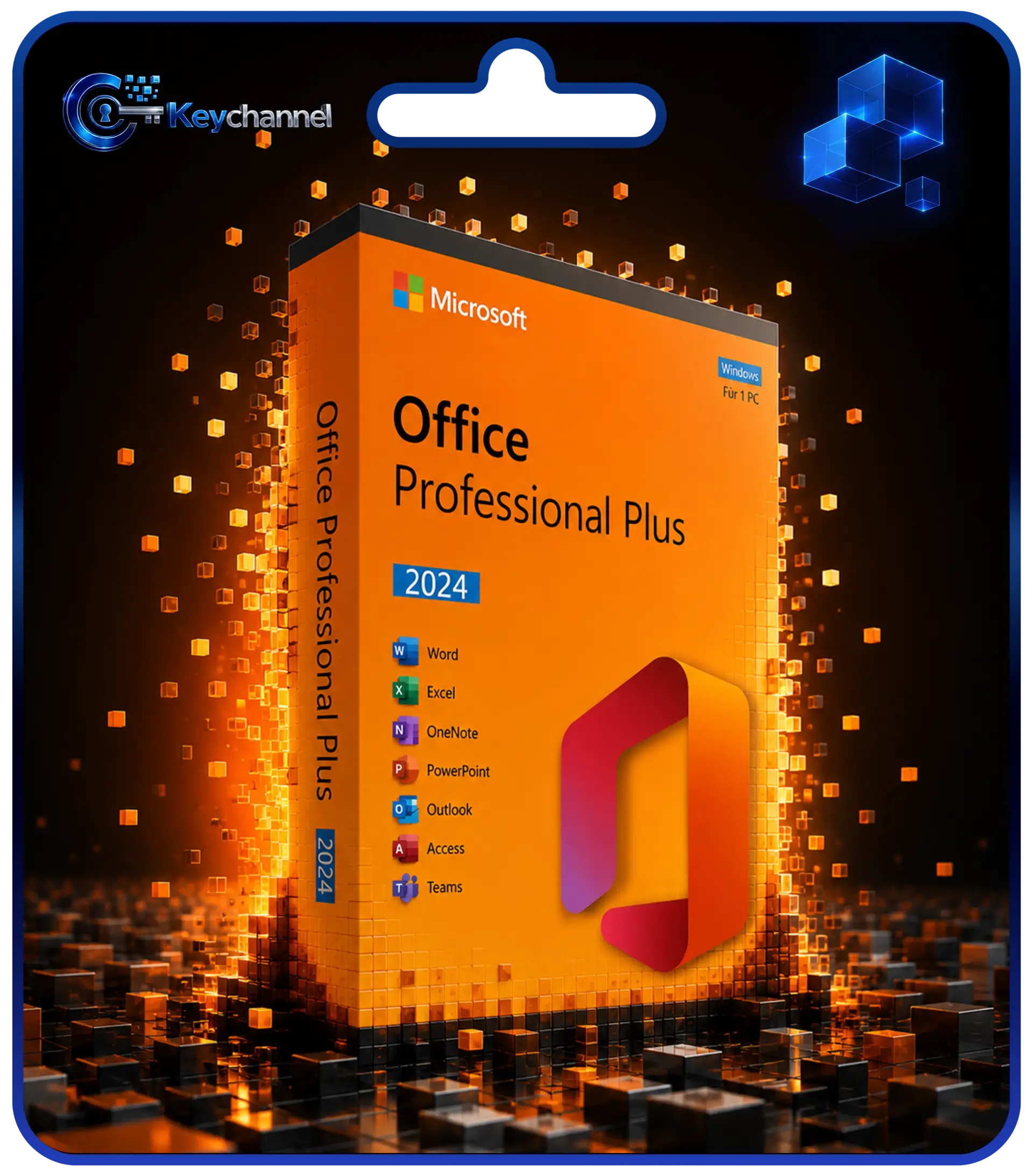
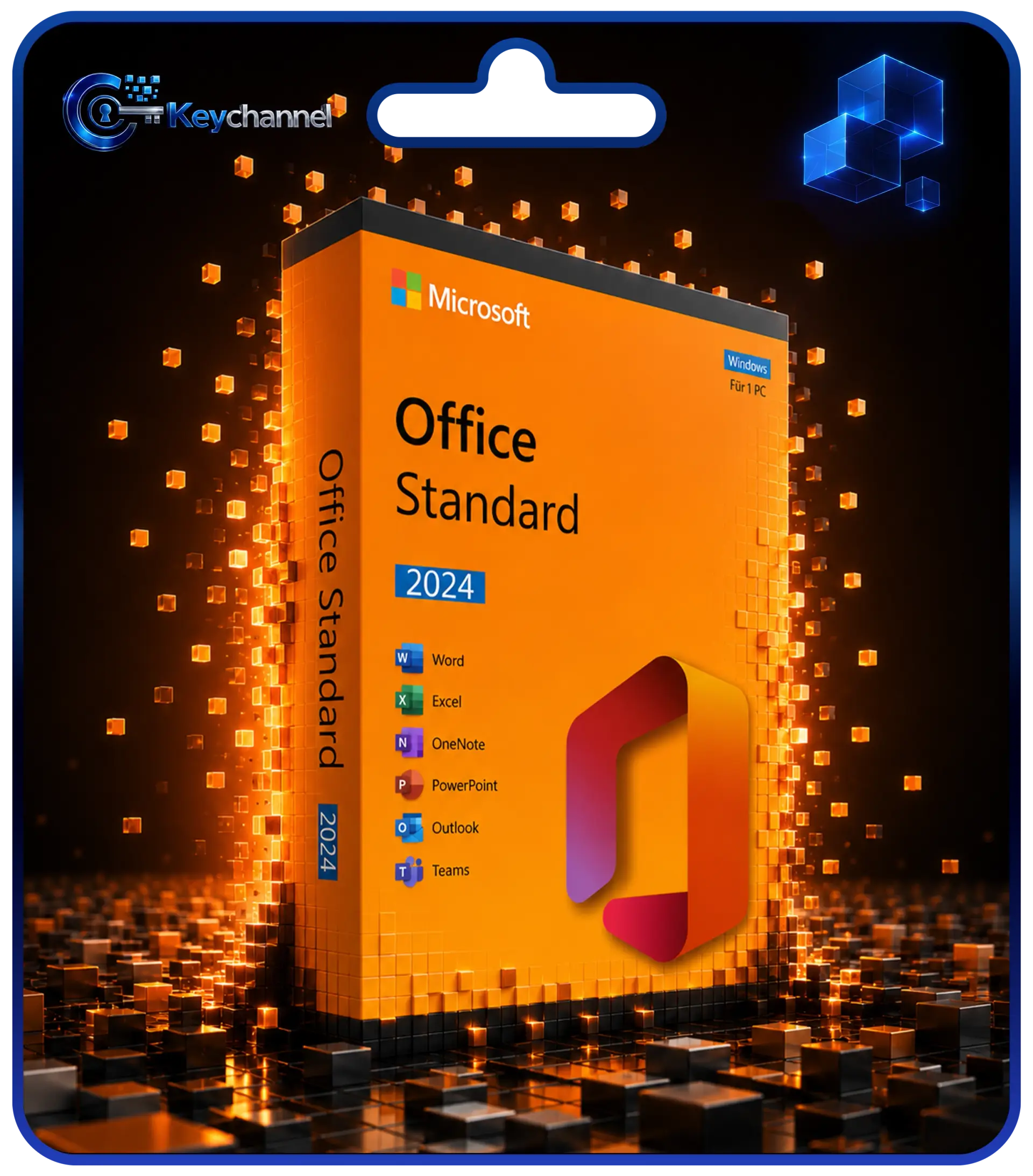
The feature set stays as it was at release. Microsoft provides security and quality updates until 9 October 2029, but no new features. Office Standard 2024 includes Word, Excel, PowerPoint, Outlook and OneNote; Professional Plus also includes Access. The guide Buying Office 2024 presents all editions and new features.
How Microsoft 365 works as a subscription
With Microsoft 365 you pay an annual or monthly fee. As long as the subscription is active, you always get the latest version of the apps, a steady stream of new features and, depending on the plan, AI features such as Copilot. On top of that there is cloud storage in OneDrive: 1 TB per person on the home plans.
The apps can be used on PC, Mac, tablet and smartphone, and you sign in with a Microsoft account. The apps regularly need an internet connection to check the licence.
It is important to know what happens if you cancel: after a grace period, the desktop apps switch to a reduced functionality mode. You can then open and print documents, but no longer edit them or create new ones. OneDrive storage falls back to the free allowance. Microsoft describes the details on the page What happens when my Microsoft 365 subscription expires.
Office 2024 and Microsoft 365 side by side
| Criterion | Office 2024 | Microsoft 365 |
|---|---|---|
| Payment model | one-off purchase | annual or monthly fee |
| Period of use | unlimited | as long as the subscription is active |
| New features | no | continuously |
| Security updates | until 9 October 2029 | for the duration of the subscription |
| AI features (Copilot) | not included | depending on plan |
| Cloud storage | not included | OneDrive, depending on plan |
| Devices | 1 Windows PC | several, including Mac and mobile devices |
| Microsoft account | not required for activation | required |
| Offline use | unrestricted | possible, with regular licence checks |
Another point concerns older PCs: Microsoft will provide security updates for the Microsoft 365 apps on Windows 10 until October 2028. Office 2024, on the other hand, has only been supported to a limited extent on Windows 10 since that operating system reached end of support, as the overview What Windows end of support means for Office shows. If you work on Windows 11, you do not need to take this into account.
The cost logic: pay once or keep paying
Specific prices change regularly, so it is worth looking at the principle. With a subscription, the fee adds up year after year. In addition, Microsoft can adjust its fees, as it has done in the past. With a purchased licence, you pay once and then have no ongoing costs for Office.
Here is how to work it out for your situation:
- Find out the current annual fee for the Microsoft 365 plan that would suit you.
- Multiply it by the number of years you expect to use Office. For Office 2024, a realistic period is until the end of support in October 2029.
- Compare the result with the purchase price of the appropriate Office 2024 edition for the number of PCs you have.
To be fair, you should also consider the other side: a family subscription covers up to six people with several devices each and includes cloud storage. If you would be paying for cloud storage anyway or need to equip many devices, the calculation shifts in favour of the subscription. For one person with one Windows PC, it usually favours the purchased licence.
Which model suits whom?
Office 2024 is right for you if …
- you mainly use Office on one Windows PC,
- you do not want to keep track of ongoing costs and cancellation periods,
- the features of Word, Excel, PowerPoint and Outlook are enough for you and you do not need AI features,
- you want to work without a Microsoft account or deliberately avoid cloud services,
- you run a computer that is rarely or never online.
At Keychannel you can get Office 2024 as a one-off purchase in the Standard and Professional Plus editions. Which one suits you depends on the Access database, which only Professional Plus includes. You can read the details in the comparison Office Professional Plus or Standard.
Matching licence
Microsoft 365 is right for you if …
- several people in your household need Office on different devices,
- you work with the same apps on Mac, tablet and smartphone,
- you use a lot of cloud storage and synchronise files across devices,
- you always want to use the latest features and AI tools such as Copilot,
- your company wants to obtain services such as hosted email and Teams collaboration from a single source.
What about Office 2021?
Office 2021 is also a one-off purchase without a subscription. For a new purchase, however, it hardly makes sense any more, because support ends on 13 October 2026. If you decide on a purchased licence, Office 2024 is the future-proof choice. You will find the detailed comparison in the article Office 2021 or 2024. The guide Software licence types explained simply explains the fundamental differences between purchased licences, subscriptions and other licence types.
Conclusion
Office 2024 and Microsoft 365 are not better or worse products, but two different models. The purchased licence offers predictability, no ongoing costs and full control over one PC, but without new features or cloud storage. The subscription offers always up-to-date apps, AI features and several devices, but incurs ongoing costs for as long as you use it.
If you work alone or in a small office on a Windows PC doing classic office tasks, Office 2024 is usually the more economical solution. For families with many devices and for cloud users, Microsoft 365 is often the more convenient choice.
Frequently asked questions
Is Office 365 the same as Microsoft 365?
Largely, yes. In 2020 Microsoft renamed its subscriptions for home users and small businesses Microsoft 365. Some plans for large organisations are still called Office 365. A one-off purchase version such as Office 2024 is something different.
Can I use Office 2024 without the internet?
Yes. After installation and activation, Word, Excel and the other apps work without an internet connection. You need the internet once for activation itself; alternatively, activation by telephone is possible. You also download updates online.
What happens if I cancel Microsoft 365?
After a grace period, documents in the desktop apps can only be viewed and printed, no longer edited. Cloud storage shrinks to the free allowance. Your files are retained, but you should back them up locally in good time.
Will Office 2024 get new features such as Copilot?
No. Office 2024 receives security and quality updates, but no new features. AI features such as Copilot are reserved for Microsoft 365 plans.
What makes more sense for the self-employed?
If you need Office on one work computer with Outlook for your existing mailbox, Office Standard 2024 is usually sufficient. If you also need hosted business email, Teams and cloud collaboration within a team, the Microsoft 365 Business plans are the more suitable solution.