

Office Professional Plus or Standard: for the one-off purchase versions of Office from 2016 to 2024, these are the two editions to choose from. The difference is smaller than the name suggests and mainly concerns the Access database. Here you will find out which programs each edition includes, what you need Access for and how to choose the right edition.
Key points at a glance
- Word, Excel, PowerPoint, Outlook and OneNote are included in both editions, with identical features.
- Professional Plus also includes Access and, up to Office 2021, Skype for Business.
- Publisher is part of both editions up to Office 2021, but of neither in Office 2024.
- If you do not use Access databases, Standard gives you everything you need.
- Both editions run on Windows and are installed and activated in the same way.
What both editions have in common
Standard and Professional Plus share the programs that make up everyday office work: Word, Excel, PowerPoint, Outlook and OneNote. These programs are identical in both editions. Excel in the Standard edition therefore offers the same functions, formulas and charts as Excel in Professional Plus.
There are no other differences either: both editions are one-off purchase versions with a licence of unlimited duration for one PC, both receive security updates until their version reaches end of support, and both are activated with a product key directly in the Office application. Your choice of edition therefore only determines which additional programs you get.
Which programs are included? Versions 2016 to 2024
The following overview shows what the editions include for each Office version:
| Version | Standard | Professional Plus adds | End of support |
|---|---|---|---|
| Office 2016 | Word, Excel, PowerPoint, Outlook, OneNote, Publisher | Access, Skype for Business | ended (14/10/2025) |
| Office 2019 | Word, Excel, PowerPoint, Outlook, OneNote, Publisher | Access, Skype for Business | ended (14/10/2025) |
| Office 2021 | Word, Excel, PowerPoint, Outlook, OneNote, Publisher | Access, Skype for Business | 13/10/2026 |
| Office 2024 | Word, Excel, PowerPoint, Outlook, OneNote | Access (Skype for Business optional) | 09/10/2029 |
Two notes on the table: Office Professional Plus 2021 initially also included the Teams client, which Microsoft no longer supplies. In Office 2024, Teams is not included in any edition but can be downloaded separately from Microsoft. With Office 2019, Microsoft does not install a dedicated 2019 release of OneNote but an older OneNote version.
The end of support column shows why buying older versions new is hardly worthwhile any more. You can read more about this in the overview Office end of support and in the comparison Office 2021 or 2024.
Office Professional Plus vs Standard: the main difference is Access
What Access can do
Access is a database program. Unlike in an Excel spreadsheet, you store data there in several linked tables, such as customers, orders and items, which are connected to one another through relationships. On top of this come forms for data entry, queries for filtering and analysis, and reports for printing. Processes can be automated with VBA.
Typical uses include customer management, stock and inventory lists, membership management for clubs, order entry and small internal tools in companies. Access only runs on Windows.
When you need Access
- You need to edit or further develop existing Access databases (file extension .accdb or .mdb).
- A specialist application in your company is built on Access.
- Your Excel lists have grown to the point where you maintain the same data in several places and duplicates lead to errors.
- You want to build your own small database with input forms that several people use.
When you do not need Access
If you write documents, maintain spreadsheets in Excel, create presentations and handle emails, Access adds no value. This applies to most home users and many offices.
A special case: if staff only need to use a finished Access application without changing it, Microsoft's free Access Runtime may be sufficient. It runs databases but offers no design tools. Check with the developer of the application whether the Runtime is enough.
Publisher: only up to Office 2021
Publisher, the program for flyers, brochures and invitations, is part of both editions up to Office 2021. It is missing from all editions of Office 2024 because Microsoft is discontinuing Publisher. After October 2026, Microsoft will no longer support the program.
For your buying decision, this means: if you need Publisher, you inevitably end up with Office 2021 or older. As support for Office 2021 also ends on 13 October 2026, buying it new just for Publisher is not a long-term solution. It makes more sense to save existing Publisher files as PDFs and to handle layout tasks with Word or PowerPoint in future.
Skype for Business and Teams
Skype for Business is a communication client for companies that run their own Skype for Business server. Microsoft already discontinued the Skype for Business Online service in July 2021. For most buyers, this difference between the editions is therefore irrelevant.
Microsoft Teams is not included in the current one-off purchase versions. If you want to use Teams, download the app free of charge from Microsoft and sign in with your account.
Help with deciding: which edition suits you?
| Your situation | Recommendation |
|---|---|
| Documents, spreadsheets, presentations, email | Standard |
| Home PC or working from home | Standard |
| Office without database applications | Standard |
| Existing Access databases in use | Professional Plus |
| Own databases with input forms planned | Professional Plus |
| Specialist software requires Access | Professional Plus |
If you are unsure whether you will need Access in future, bear in mind that switching from Standard to Professional Plus later requires a new licence and a reinstallation. If you are likely to use Access, you are better off with Professional Plus from the start. For a new purchase, Office 2024 is recommended in both cases.
Matching licence
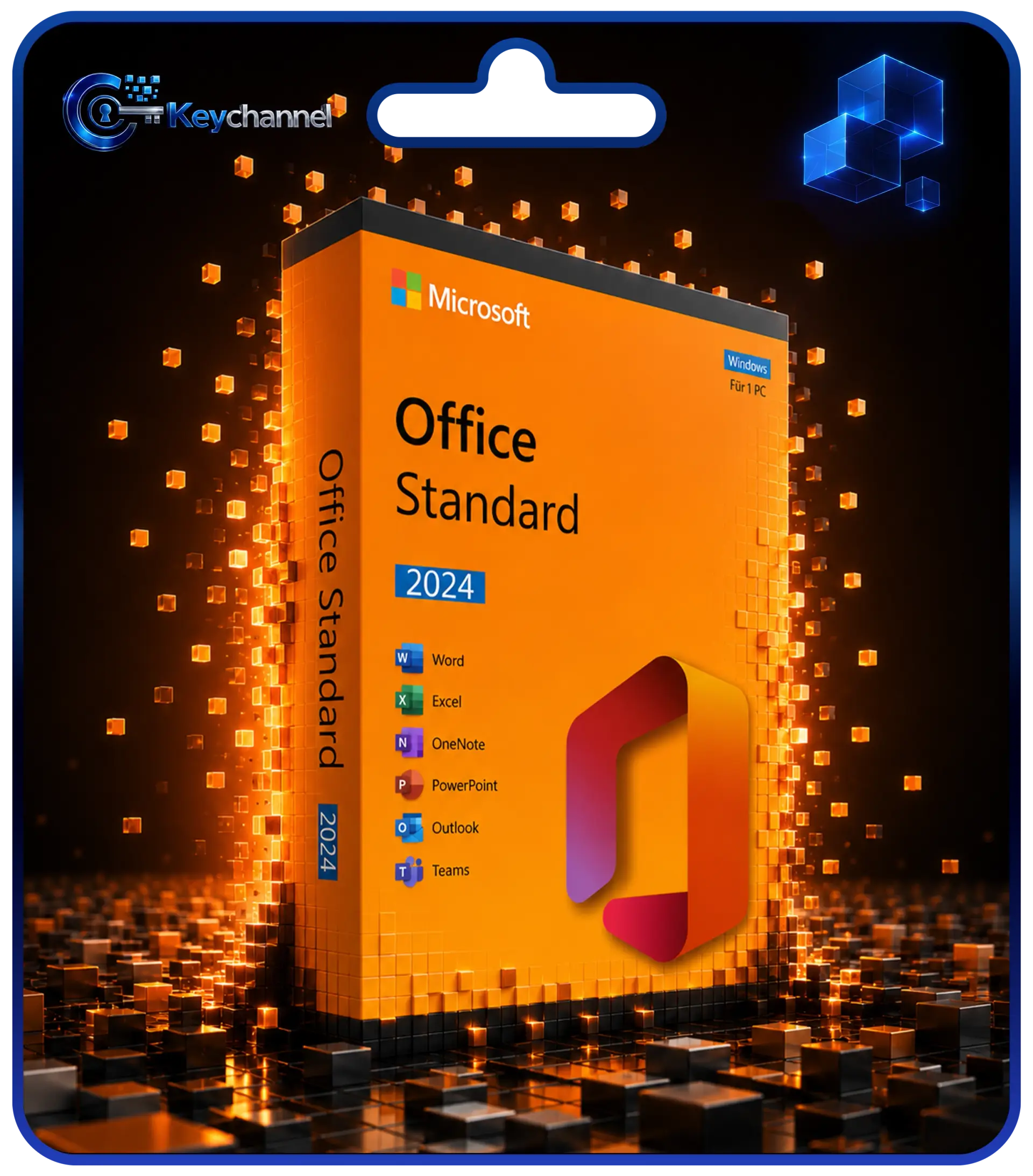
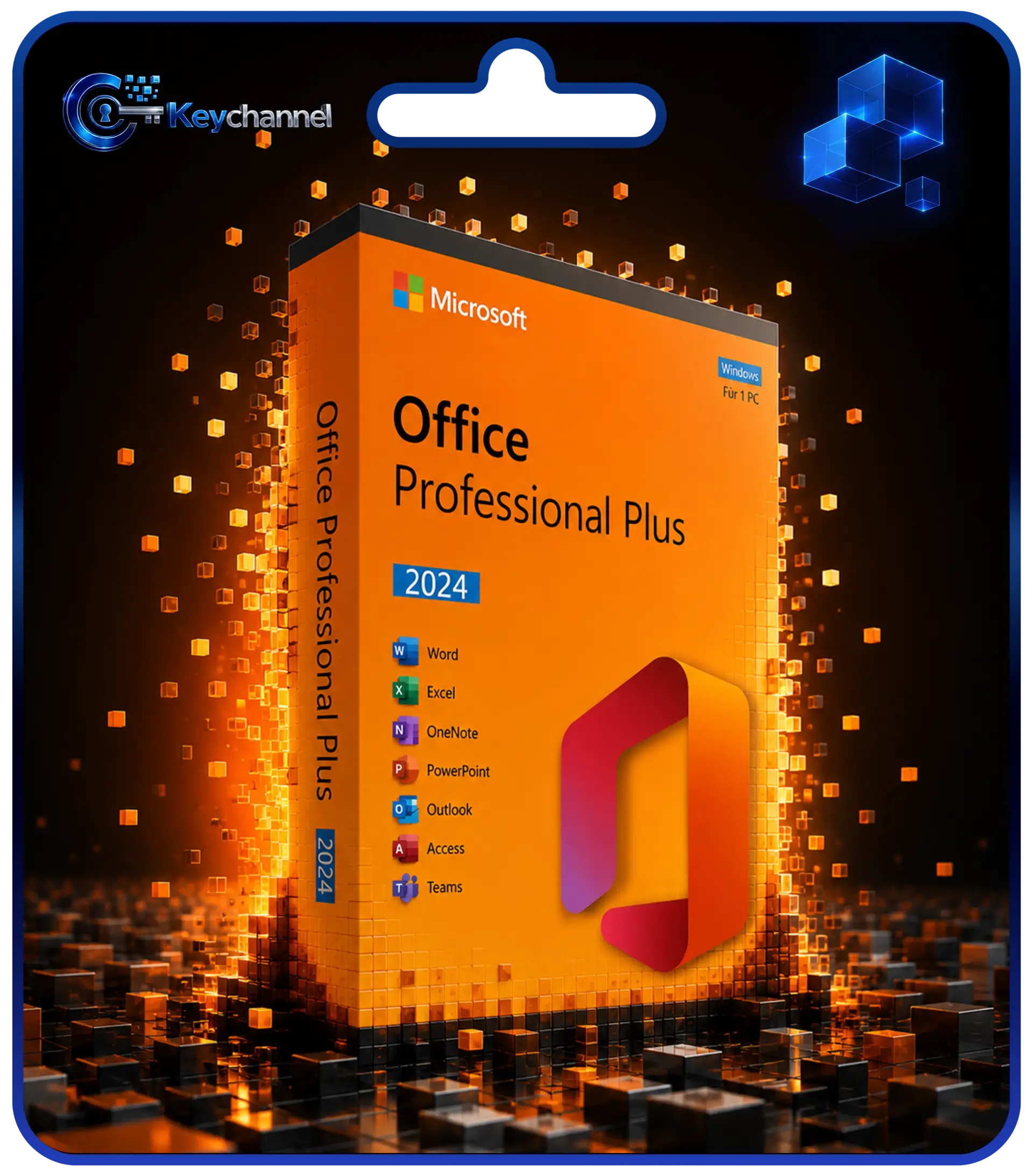
Standard, Professional Plus and the Home editions
In addition to Standard and Professional Plus, Microsoft also sells Office 2024 as Office Home and Office Home & Business. Home includes Word, Excel, PowerPoint and OneNote, but not Outlook, and is intended for non-commercial use. Home & Business adds Outlook and matches Office Standard 2024 in terms of programs. Keychannel does not stock either Home edition.
Microsoft also provides the Office apps as a subscription in Microsoft 365. The comparison Office 2024 or Microsoft 365 shows how a purchased licence and a subscription differ.
Installation and activation
Installation and activation work the same way for both editions. Keychannel sends you the product key by email, together with the download links for the setup and step-by-step instructions. Uninstall older Office versions beforehand and restart the PC.
Make sure that the installed edition and the key match. A key for Professional Plus does not activate a Standard installation and vice versa, and a key for Office 2024 does not activate Office 2021. This is one of the most common causes of activation errors. You will find the complete guide under Installing and activating Office.
Conclusion
The choice between Office Standard and Professional Plus essentially comes down to a single question: do you need Access? If not, Standard, with Word, Excel, PowerPoint, Outlook and OneNote, offers everything for the office and home, in exactly the same quality. If you work with databases or a specialist application requires Access, Professional Plus is the right choice.
Since Office 2024, Publisher is no longer a reason to choose either edition, and Skype for Business is only relevant in special cases. You will find further information on the editions, new features and system requirements of the current version in the guide Buying Office 2024.
Frequently asked questions
Is Excel better in Professional Plus than in Standard?
No. Word, Excel, PowerPoint, Outlook and OneNote are identical in both editions. Professional Plus simply offers additional programs, above all Access.
Does Office Standard also include Outlook?
Yes. Outlook is included in all Standard editions from 2016 to 2024. So you do not need to choose Professional Plus to get Outlook.
Is Publisher available in Office Professional Plus 2024?
No. Publisher is not included in any edition of Office 2024. The last version with Publisher is Office 2021, whose support ends on 13 October 2026.
Can I switch from Standard to Professional Plus later?
Yes, but you will need a licence for Professional Plus. Uninstall the Standard edition, restart the PC and then install and activate Professional Plus. Your files are kept.
Does Access also run on a Mac?
No. Access is only available for Windows. In the form described here, Standard and Professional Plus are Windows versions anyway.