
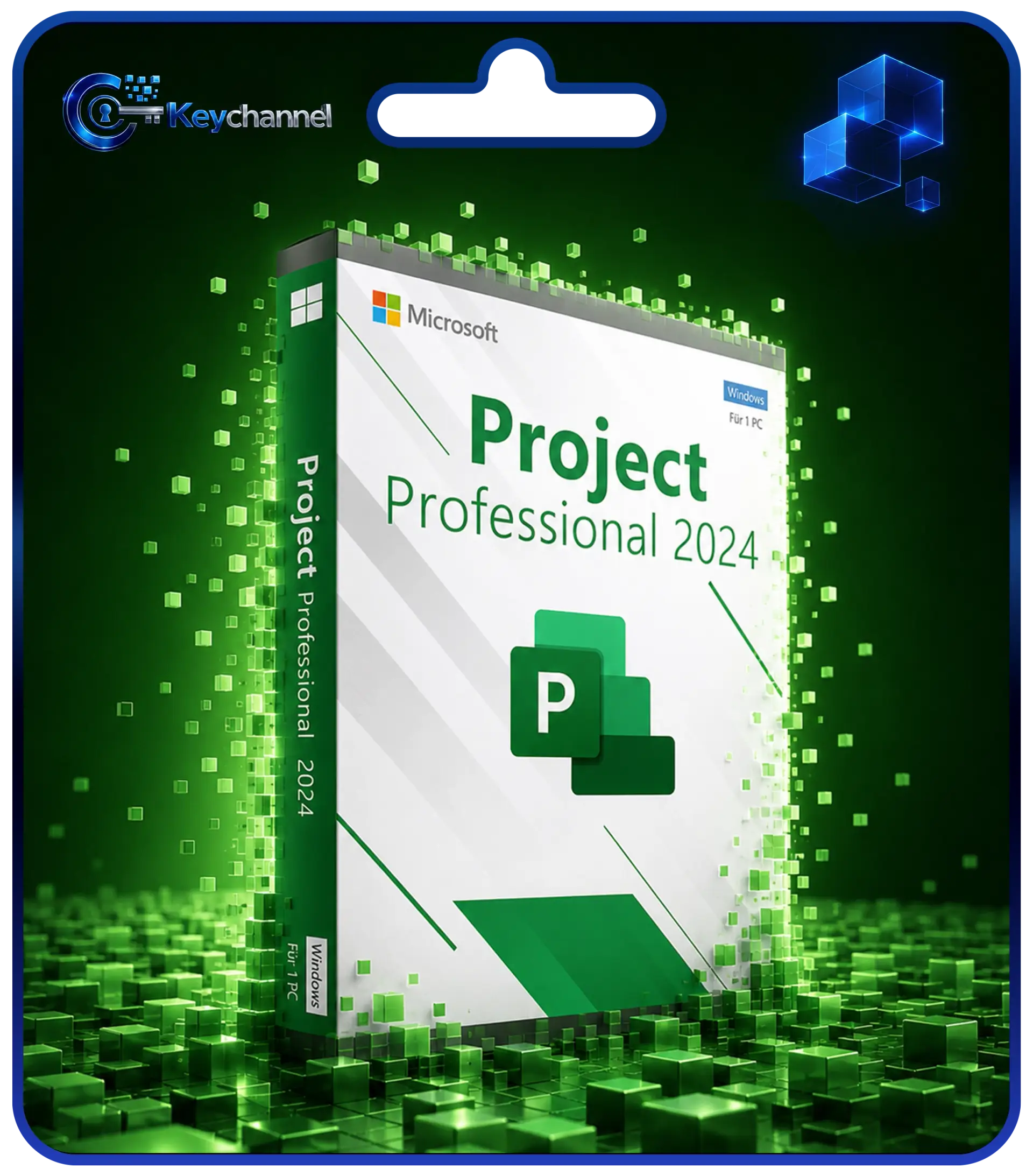
Microsoft Project 2024 Professional Licence Key – 1 Windows PC, Perpetual
Currently unavailable – back soonSave 50 % at checkout with code KEYCHANNEL50 – valid until Nov 1, 2026.
Delivery
Total
23,00 €
Multi-buy:
4 or more for 19,55 €/ea.
What you get after purchase
- Product key for activation
- Official download from Microsoft
- Step-by-step installation guide
- Invoice with VAT shown
How it works
- Choose the product and pay securely
- Receive key and guide by e-mail
- Download and activate the software
Features
| Hersteller | Microsoft |
|---|---|
| Produkt | Microsoft Project 2024 Professional |
| Lizenz | Einzelplatzlizenz, unbefristet (kein Abo) |
| Geräte | 1 PC |
| Betriebssystem | Windows 10 oder Windows 11 |
| Sprache | mehrsprachig (inkl. Deutsch) |
| Lieferung | Lizenzschlüssel per E-Mail, in der Regel wenige Minuten nach Zahlungseingang |
| Aktivierung | online beim Hersteller (in Einzelfällen telefonisch, wir helfen dabei) |
| Support von Microsoft | bis 09.10.2029 |
Microsoft Project 2024 Professional: project planning for teams with multiple projects
Microsoft Project 2024 Professional is a standalone planning program for Windows. It is not included in Microsoft Office and is licensed separately. With this one-time licence you plan dates, dependencies, costs and staff across multiple projects, without monthly subscription fees.
It is typically used in construction companies and engineering and architecture firms. There, several building sites often run in parallel, and the same site managers, crews or machines are needed in different locations. Project 2024 Professional shows when one trade must be finished so that the next can begin, and where assignments overlap.
If you are choosing a planning solution today that will receive security updates for several more years, the 2024 release is a sound choice.
Key features
- Gantt charts and timelines: present construction phases, milestones and acceptance dates clearly
- Task links: map dependencies between trades; delays automatically affect subsequent dates
- Team Planner: balance staff workload by drag and drop
- Resource management across multiple projects: shared resource pools for all building sites
- Reports: cost, progress and workload reports for clients and management
- Connection to Project Server: for organisations with central project management
Professional or Standard?
Project 2024 Standard is aimed at individual users who plan their own projects. Professional adds features for collaboration: the Team Planner, cross-project resource planning and the connection to Project Server. As soon as several people access the same resources or you manage more than one project at a time, Professional is the right choice. Compared with Project 2021, the main advantage of the 2024 release is its considerably longer support period.
System requirements
- Windows 10 or Windows 11 (not macOS)
- Processor 1.6 GHz or faster, 2 cores
- At least 4 GB memory
- Around 4 GB free disk space
- Internet connection for activation
Support period
Microsoft provides security updates for Project 2024 until 9 October 2029, around three years longer than for Project 2021. Your licence is perpetual: even after this date, the program starts as usual but no longer receives fixes.
How purchase and activation work
- Order: Once payment has been received, the licence key with instructions is sent by email, usually within a few minutes.
- Install: Download the installation files from Microsoft or via our download link.
- Activate: Enter the key and activate online with the manufacturer, in some cases by phone. We can help by email at info@keychannel.de and, on request, via remote support.
Good to know
- Windows only, not for macOS or Chromebook.
- Single-user licence for 1 PC, perpetual, no subscription.
- Volume discount: 2 units −10%, 3 or more units −15% (cannot be combined with vouchers).
- Invoice with VAT shown separately.
- If a key does not work, you will receive a replacement or a refund of the purchase price (T&Cs § 8).
- Product key for activation
- Official download from Microsoft
- Step-by-step installation guide
Worin unterscheidet sich Project 2024 Professional von Standard?
Professional bietet zusätzlich den Teamplaner, eine Ressourcenplanung über mehrere Projekte hinweg und die Anbindung an Project Server. Standard ist für Einzelanwender gedacht, die eigene Projekte planen.
Ist Project 2024 in Microsoft Office enthalten?
Nein. Project ist ein eigenständiges Programm mit eigener Lizenz. Office muss dafür nicht installiert sein.
Läuft Project 2024 Professional auf einem Mac?
Nein. Project gibt es nur für Windows 10 und Windows 11. Auf macOS oder Chromebooks lässt es sich nicht installieren.
Woher stammen Ihre Lizenzen?
Unsere Lizenzen beziehen wir über Bezugsquellen innerhalb der Europäischen Union. Auf Anfrage nennen wir Ihnen Einzelheiten zur Herkunft Ihrer Lizenz. Sollte ein Schlüssel wider Erwarten nicht funktionieren, erhalten Sie einen Ersatzschlüssel oder den Kaufpreis zurück.
Kann ich den Kauf widerrufen?
Bei Lizenzschlüsseln per E-Mail erlischt das Widerrufsrecht, sobald wir mit der Lieferung begonnen haben, nachdem Sie im Bestellvorgang ausdrücklich zugestimmt und bestätigt haben, dass Sie dadurch Ihr Widerrufsrecht verlieren (§ 356 Abs. 5 BGB). Für einen zusätzlich bestellten USB-Stick gilt das gesetzliche Widerrufsrecht von 14 Tagen. Einzelheiten finden Sie in unserer Widerrufsbelehrung.
Wann erhalte ich meinen Lizenzschlüssel?
Nach Zahlungseingang senden wir Ihnen den Lizenzschlüssel mit Anleitung per E-Mail, in der Regel innerhalb weniger Minuten. In Einzelfällen, etwa bei einer manuellen Prüfung, kann es länger dauern. Bitte prüfen Sie auch Ihren Spam-Ordner.
Erhalte ich eine Rechnung?
Ja. Sie erhalten eine Rechnung mit ausgewiesener Mehrwertsteuer, die Sie auch für Ihr Unternehmen verwenden können.
Customer reviews
No reviews yet.
Did you buy this product? You will find the review link on the confirmation page after purchase and in “My account”.
Reviews can only be submitted by customers who bought the product from us: after delivery, a personal review link appears on the confirmation page after purchase and in “My account”. We publish positive and negative reviews alike; before publishing we only check whether they contain unlawful content or advertising.