

If you want to buy Office 2024, you are choosing a one-off purchase without a subscription and then have to decide between Standard and Professional Plus. In this guide you will find out which programs the editions include, what is new, how long Microsoft supports Office 2024 and what to look out for when buying.
Key points at a glance
- Office 2024 is the current one-off purchase version of Microsoft Office, with a licence of unlimited duration for one PC.
- Standard includes Word, Excel, PowerPoint, Outlook and OneNote; Professional Plus also includes the Access database.
- Publisher is no longer included in Office 2024, and Microsoft Teams is installed separately if required.
- Microsoft provides security updates until 9 October 2029.
- Windows 11 is the recommended operating system.
What is Office 2024?
Office 2024 is the successor to Office 2021 and has been available since autumn 2024. Unlike Microsoft 365, there is no ongoing fee: you acquire a licence, install the programs locally on your PC and use them for an unlimited period.
The feature set is fixed at release. Microsoft provides security and quality updates for Office 2024, but no new features. If you expect a steady stream of new features such as AI assistants, you are better served by the subscription. If you want a stable, predictable tool, the one-off purchase is the better fit. You will find a detailed comparison of both models in the guide Office 2024 or Microsoft 365.
The Office 2024 editions at a glance
Microsoft offers Office 2024 in several editions. They differ mainly in whether Outlook and Access are included and in who they are aimed at.
| Edition | Included programs | Aimed at | At Keychannel |
|---|---|---|---|
| Office Home 2024 | Word, Excel, PowerPoint, OneNote | private, non-commercial use | not in our range |
| Office Home & Business 2024 | as Home, plus Outlook | self-employed, small businesses | not in our range |
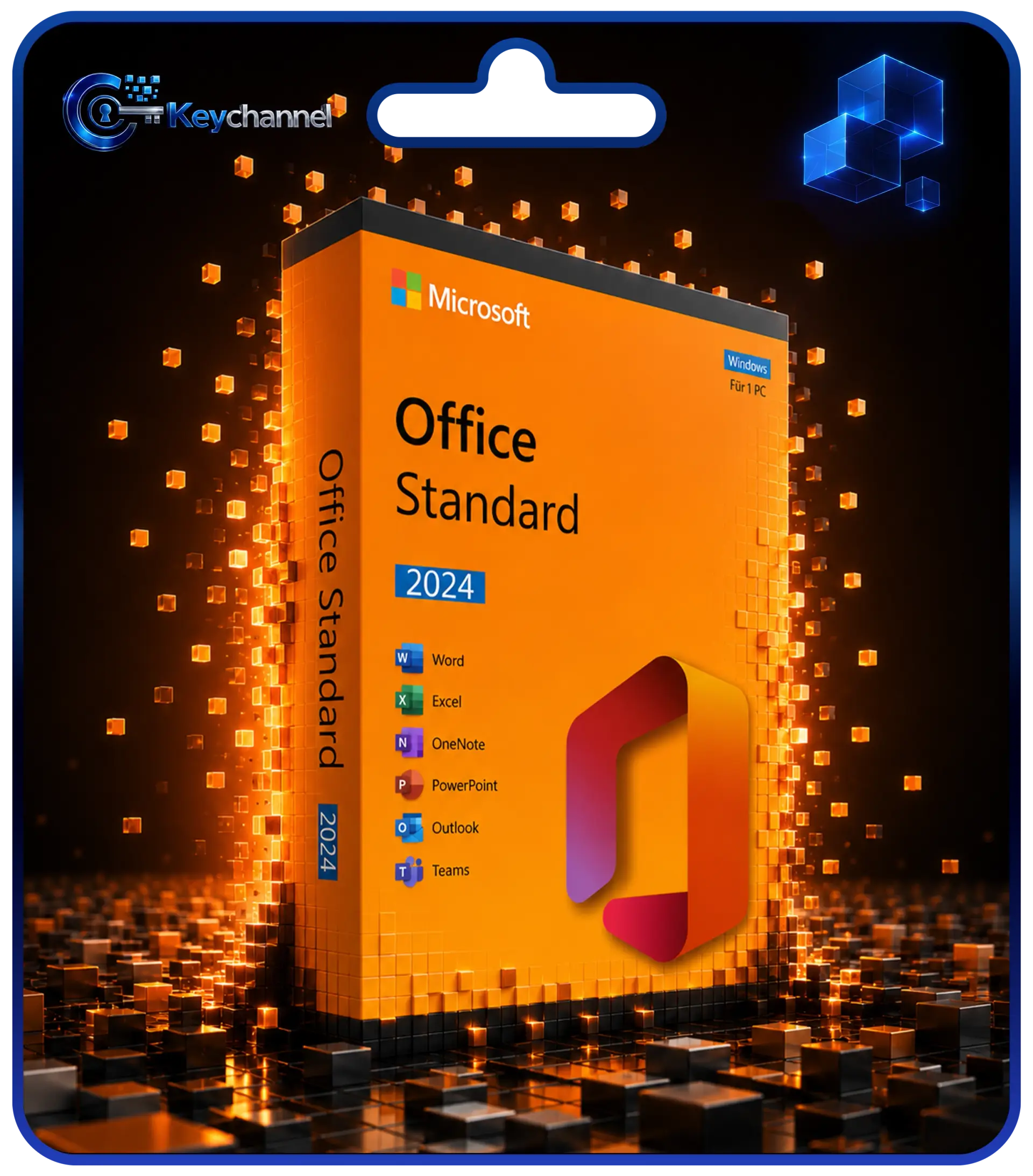
| Office Standard 2024 | Word, Excel, PowerPoint, Outlook, OneNote | businesses and home users | available |
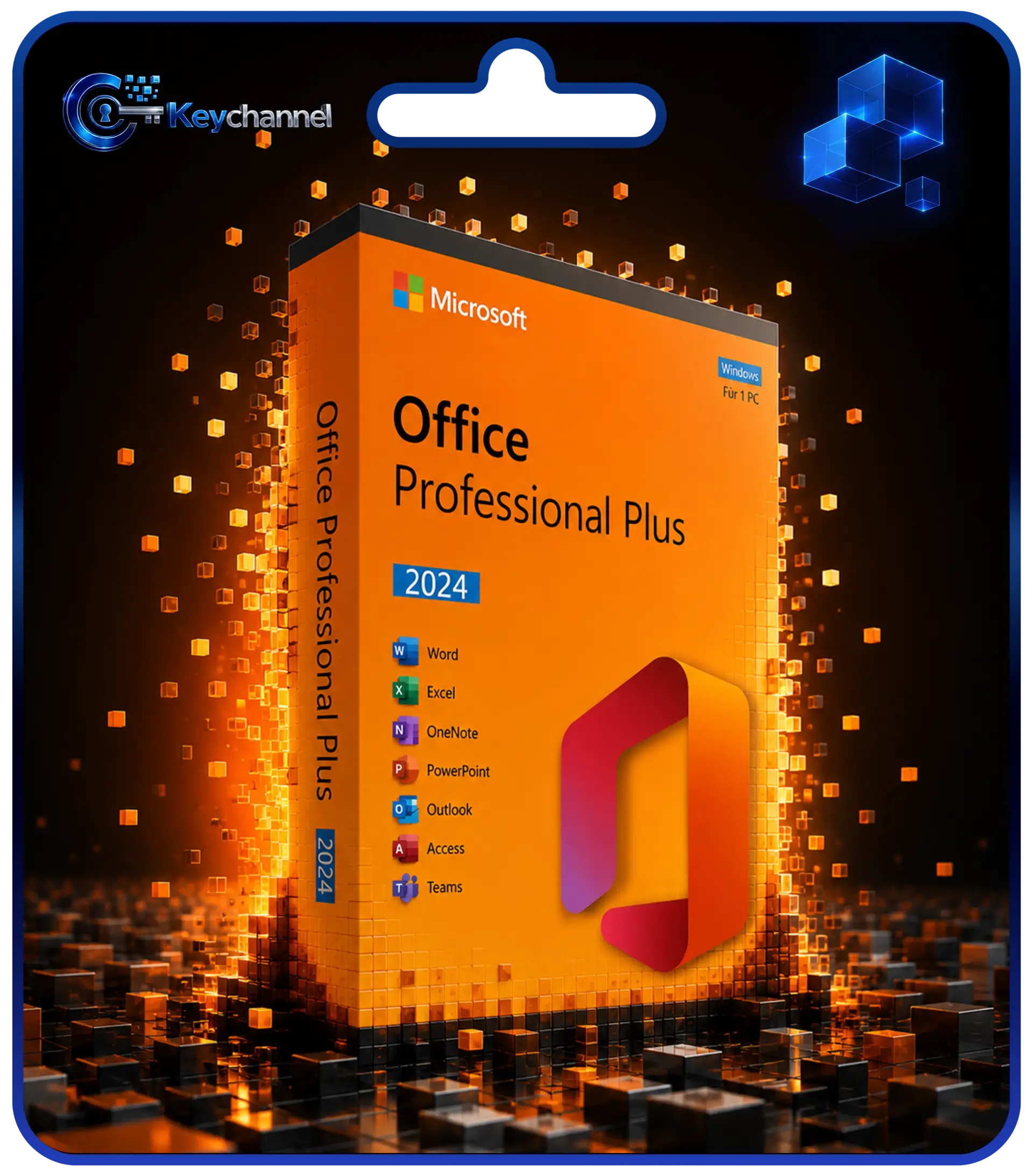
| Office Professional Plus 2024 | as Standard, plus Access | businesses, database users | available |
Standard or Professional Plus?
With Word, Excel, PowerPoint, Outlook and OneNote, Standard covers typical everyday office work and matches Home & Business 2024 in terms of programs. Professional Plus also includes the Access database, so the choice depends almost entirely on whether you need Access. All the details and help with deciding can be found in the comparison Office Professional Plus or Standard.
Home and Home & Business for context
Office Home 2024 is aimed at private households and does not include Outlook. Under the licence terms it is intended for non-commercial use. Home & Business 2024 adds Outlook and is intended for business use.
Keychannel does not stock either Home edition. If you need Outlook, you will also find it in Standard and Professional Plus.
What is new in Office 2024?
Office 2024 is not a revolution, but it brings in a range of improvements that in recent years were initially reserved for Microsoft 365 subscribers. The most important new features according to Microsoft:
- Excel: 14 new text and array functions, including TEXTSPLIT, TEXTBEFORE, TEXTAFTER, VSTACK and HSTACK, the IMAGE function for pictures directly in cells, dynamic charts based on dynamic arrays and faster workbooks.
- PowerPoint: Cameo embeds your live camera feed in slides, and with Recording Studio you can record presentations as video. You can also add captions to audio and video content.
- Word: Session recovery reopens the documents you had open after an unexpected shutdown. Comments can be given reactions.
- Outlook: improved search and the option to shorten meetings automatically so that there are breaks between appointments.
- Access: a Dataverse connector for linking to the Microsoft Power Platform.
- All programs: a more modern default design, improved accessibility tools and support for OpenDocument Format 1.4.
There are also removals. Publisher is no longer included because Microsoft is discontinuing the program in October 2026. Teams is not preinstalled but can be downloaded separately from Microsoft. ActiveX controls are disabled by default. You can find the full overview from Microsoft under What's new in Office 2024.
Support until October 2029
Office 2024 is subject to Microsoft's Fixed Lifecycle Policy: five years of mainstream support, with no extended support afterwards. The cut-off date is 9 October 2029. Until then, you will receive security updates through the update function built into Office.
For comparison: Office 2016 and 2019 have no longer been supported since 14 October 2025, and support for Office 2021 ends on 13 October 2026. Buying Office 2024 new therefore gives you by far the longest remaining support period. All the dates are listed in the overview Office end of support. Whether Office 2021 is still worth considering at all is covered in the comparison Office 2021 or 2024.
System requirements
Office Standard 2024 and Office Professional Plus 2024 are Windows versions and are not suitable for a Mac. Microsoft specifies the following minimum requirements:
| Component | Requirement |
|---|---|
| Operating system | Windows 11 (Windows 10 only with limitations) |
| Processor | 1.1 GHz or faster, two cores |
| Memory | 4 GB |
| Free disk space | 4 GB |
| Screen resolution | 1280 × 768 pixels |
On Windows 10: Office 2024 can be installed there and runs. However, since Windows 10 reached end of support on 14 October 2025, Microsoft supports this combination only to a limited extent, and in its current overview of the system requirements Microsoft lists Windows 11 as the supported desktop operating system for these editions. So plan on using Windows 11.
For most PCs, the 64-bit version is the right choice; Microsoft recommends it for machines with 4 GB of memory or more. You only need the 32-bit version if older add-ins or macros with 32-bit components require it.
Buying Office 2024: what to look out for
- Choose the right edition: If you need Access, go for Professional Plus. Otherwise Standard is sufficient.
- Buy the right version: A key for Office 2024 only activates Office 2024. Make sure the version number and edition match in the offer and on the invoice.
- Consider the number of devices: One licence covers one PC. For several computers you will need the corresponding number of licences.
- Check the operating system: Standard and Professional Plus run on Windows, not on macOS.
Also make sure you receive an invoice showing VAT and that support can be reached. Further buying criteria are summarised in the guide Software licence types explained simply.
Avoid cracks and unofficial activation tools. They breach the licence terms and are a common way for malware to get onto your computer.
Matching licence
How delivery and activation work
After your purchase from Keychannel, the 25-character product key arrives by email, together with the download links for the setup and instructions. Keep the email, because the PC can no longer display the full key (see Finding your Office product key). The process in brief:
- Uninstall older Office versions and restart the PC.
- Download the setup using the link in the email (the 64-bit version is recommended) and run it.
- Start an Office program such as Word and enter the product key when prompted. If no prompt appears, you will find the input under File → Account → Change Product Key.
- Select "I want to activate the software over the Internet".
If online activation fails, you can activate Office by telephone. The Keychannel activation portal will help you with this. The detailed guide with solutions to typical errors can be found under Installing and activating Office. Important: Professional Plus and Standard are not redeemed via office.com/setup or a Microsoft account, but activated directly in the Office application.
Conclusion
If you want to use Office without a subscription, Office 2024 is the obvious choice for a new purchase: an up-to-date feature set, security updates until October 2029 and a licence of unlimited duration. The Standard edition is sufficient for documents, spreadsheets, presentations and email. Professional Plus is worthwhile if you work with Access databases.
Before buying, check whether your PC already runs Windows 11 or whether a switch is due. Also make sure you get the right edition, the right version and a proper invoice.
Frequently asked questions
Do I need a subscription for Office 2024?
No. Office 2024 is a one-off purchase. You pay once and use the programs on one PC for an unlimited period. No new features are added, but you receive security updates until 9 October 2029.
Is Outlook included in Office Standard 2024?
Yes. Both Standard and Professional Plus include Outlook, together with Word, Excel, PowerPoint and OneNote. The only difference between the two editions is Access.
Is Publisher available in Office 2024?
No. Microsoft has removed Publisher from Office 2024 and will end support for the program in October 2026. The last one-off purchase version with Publisher is Office 2021.
Does Office 2024 still work on Windows 10?
Technically, yes. However, since Windows 10 reached end of support on 14 October 2025, Microsoft supports Office on Windows 10 only to a limited extent. Windows 11 is recommended for secure operation.
Can I install Office 2024 on a Mac?
No, Standard and Professional Plus are Windows versions. There are separate Office products for macOS, which Keychannel does not offer.
Can I upgrade from Office 2021 to Office 2024?
There is no upgrade path; you need a separate licence for Office 2024. Uninstall Office 2021 before installation, restart, and then set up Office 2024. Your documents are not affected.